Where to manage it
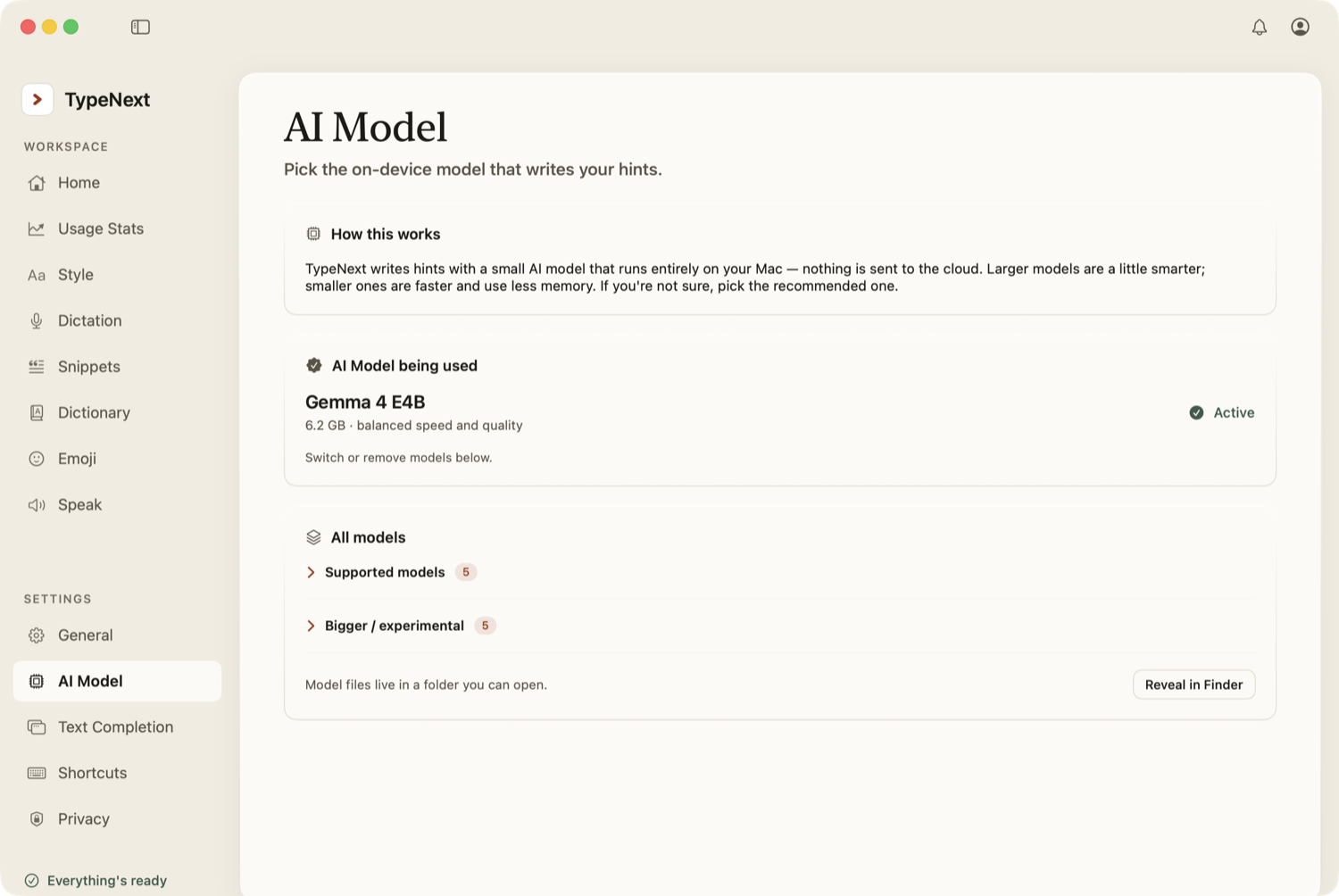
Open Settings → AI Model to see automatic routing status, manage downloaded local models, and use developer-only routing overrides for testing.
Automatic routing
There is no normal user setting for "local vs. cloud." TypeNext picks the best available route at the moment. It can use cloud models when the network, account, and daily quota are available, and it can use the local model when offline, when cloud is unavailable, or when local is the better route.
Local model management
Local models are grouped into two lists. Supported models are smaller and faster. Bigger / experimental models produce higher-quality suggestions but use more disk space and memory. If you're not sure, keep the recommended one.
The default is Gemma 4 E4B (about 6.2 GB), marked as the active model.
Download and offline use
When you select a local model, TypeNext downloads it once to your Mac. After that, local routing can run offline. The download shows a percentage and estimated time remaining. If the download is interrupted, it resumes automatically from where it left off the next time you open TypeNext.
Writing Mode uses a separate model
When you turn on Writing Mode for an app, TypeNext downloads a separate, smaller model (Qwen 3 1.7B) on its own. It powers the faster Writing Mode path in those apps — same quality, quicker suggestions.
Developer model settings can force local or cloud routing for testing. If cloud is forced, TypeNext displays provider and model controls for cloud autocomplete, cleanup/Fix, and voice transcription.